We earn a commission for products purchased through some links in this article.
38 home office accessories we recommend for 2024
Optimise your desk setup to WFH in comfort.

Having a proper home office setup can make the difference between loving the WFH life and feeling totally fed up with it. It's clear that the hybrid work approach will be a big part of modern businesses from now on, even if many of us are now back in the office more often.
Even if you work from home for just one or two days a week, we reckon it's never the wrong time to invest in your home office. Trust us, it's worth upgrading your desk accessories to make your workday more manageable, more comfortable and more organised in 2024.
Maybe you've got a dedicated office space, just a desk, the kitchen table, or you're stuck working in your bedroom? Whatever your situation, it's still worth buying certain items to help you concentrate on your work.
Whether you're thinking about supportive footrests, laptop stands, a better webcam, a wireless keyboard and a mouse, or a pair of noise-cancelling headphones, there are loads of handy home-working gadgets – and we've rounded some of the top essentials we'd recommend below to pair with everything from your laptop to your tablet.
Bose QuietComfort Ultra Earbuds
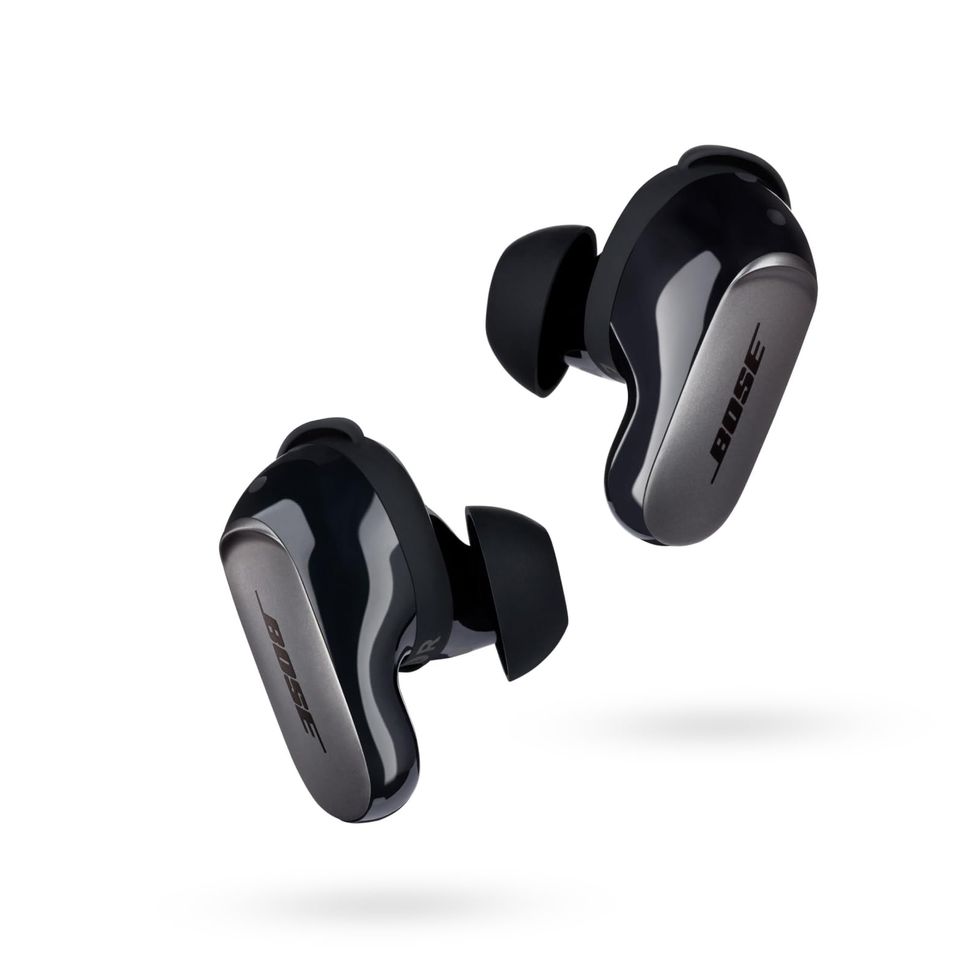
First up, we'd recommend investing in a great pair of noise-cancelling earphones that'll work well for blocking out distractions during your video conference calls. Bose's QuietComfort Ultra Earbuds are a top pick – they might be pricey, but they last ages and deliver top-quality audio, whether that's at work or away from your home office. After a budget earbud option? We liked the noise-cancelling Life A2 NC Wireless Earbuds buds from Anker too, and loads of our favourite AirPods alternatives can cancel noise.
Soundcore Space Q45
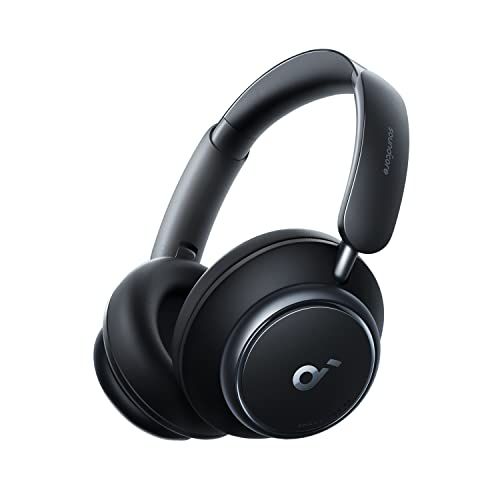
Soundcore Space Q45
Prefer over-ear headphones? This noise-cancelling pair could be what you need to help you focus. These pack in a whopping 50 hours of playtime and they're also fast to recharge – if they're running low, a five-minute charge will give you four hours of listening time.

Being sensitive to external sounds, whether at home or in the office, can affect your focus and productivity. Earplugs are essential here, helping to filter sounds without blocking them entirely. We like the Loop Engage 2 for staying engaged with our surroundings while lowering the overall volume. Go for the Loop Quiet 2 earplugs for complete background noise silencing, as these cut out up to 24 decibels of annoying distractions.
Amazon Echo Dot (5th generation, 2022)
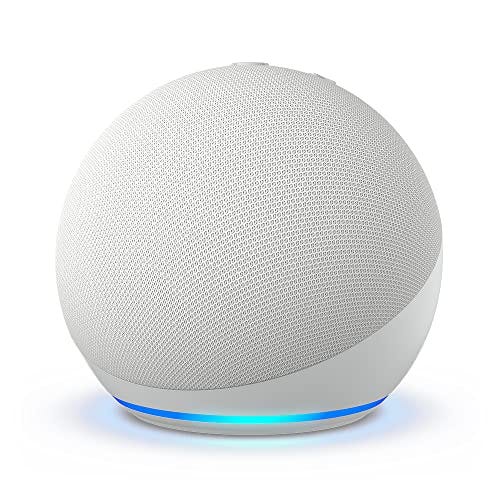
Amazon Echo Dot (5th generation, 2022)
One of the best things about working from the comfort of your own home is that you get to decide the music for the day to keep you motivated. Get that Spotify playlist banging and blast it out on an Amazon Echo – just use the Alexa voice control to skip the song or turn it down if you have a last-minute Zoom or Teams call.
Tech Shade To Go Portable Laptop Sun Shade

Tech Shade To Go Portable Laptop Sun Shade
Now the sun is shining you might want to work outside. In which case, this laptop sun shade should be top of your shopping list. It comes with a carrying case for easy portability with side opening for cords and wires – work in the garden, at the park or outside a cafe with no glare!
Honeywell TurboForce Power Fan
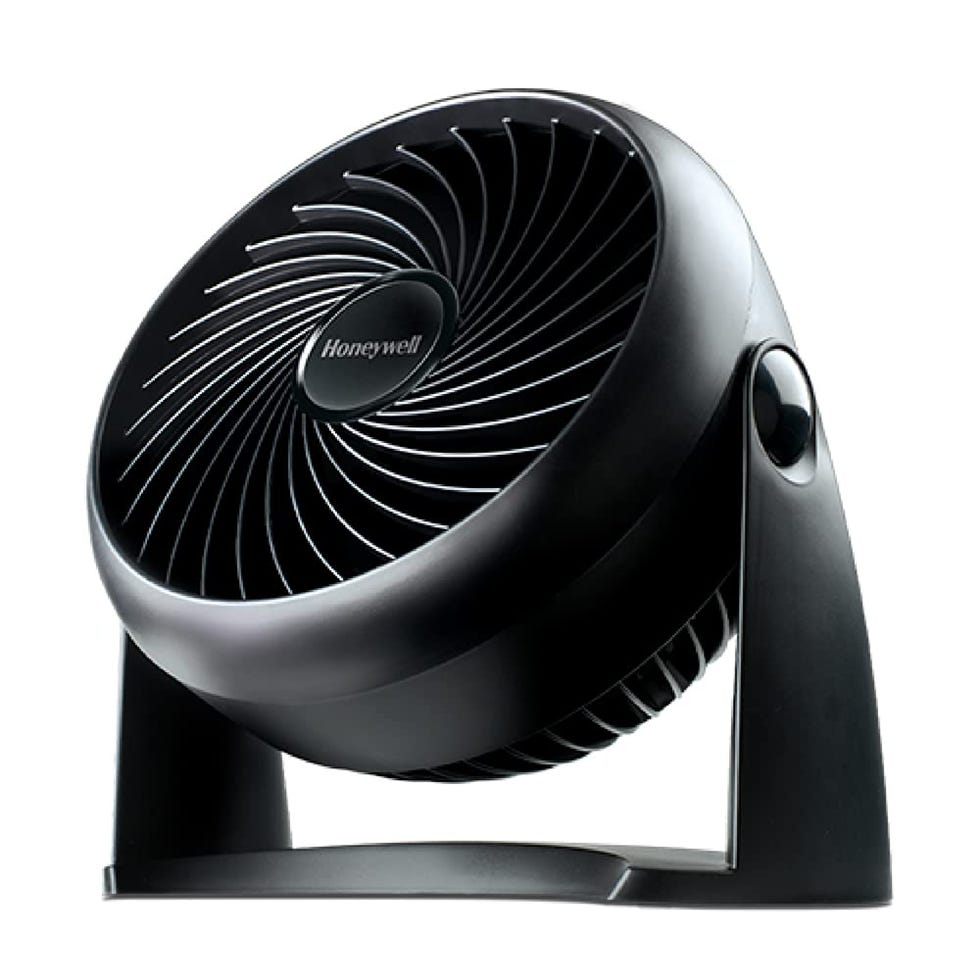
Honeywell TurboForce Power Fan
We know it will be hot again this summer, so it's worth having a little desktop fan to improve the air circulation in your workspace and keep things cool and comfortable. This one has a tilt function and a 2m-long cord, making it versatile enough to use at your desk or around the home when work is over.
Nexstand K2 Laptop Stand

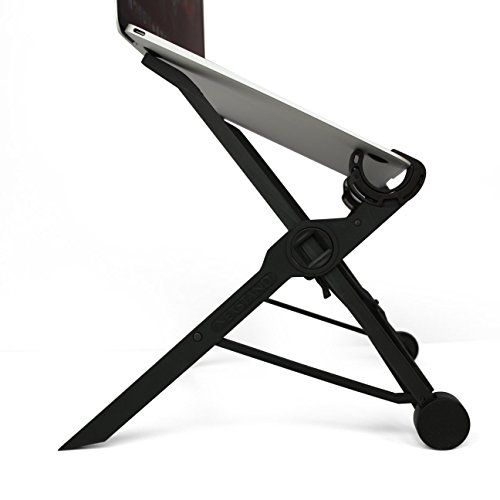
For more flexibility and better ergonomics, we'd suggest going for the affordable Nexstand K2 (or the more premium Roost laptop stand – they share the same design approach). This is a lightweight, adjustable and portable stand that collapses flat for travel, making it ideal for hybrid workers. We use the Nexstand ourselves between home and office and can attest that it's reliable and capable, with a wide variety of height settings.
Twelve South Curve
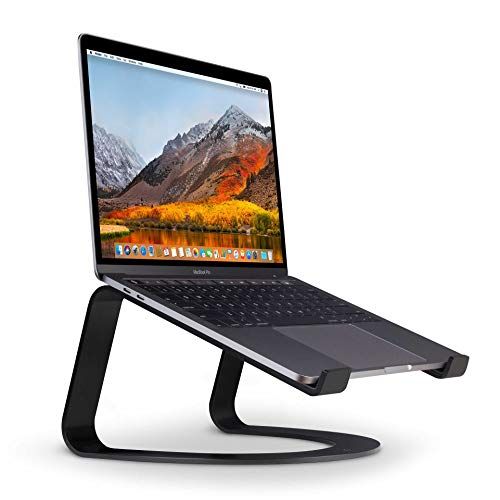
Twelve South Curve
Something you may not have thought about when preparing your own home office is making sure that your chosen setup is comfortable for your body. Laptop stands let you elevate your screen to your eye level, and this sturdy and simple version is a good option if you only need to raise it slightly.
Huanuo Laptop Monitor Stand with Cushion
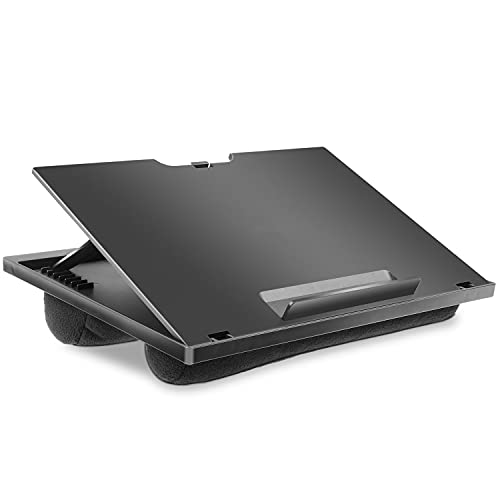
We don't all have an office space at home, so if you're setting up for a day of work from your bed (no judgement!), make things more comfortable with this lap desk work surface. This one is cushioned and can be adjusted to get your laptop at the right angle. This Belkin one makes for a good minimalist alternative if you want something that takes up less room.
Hoflera Laptop Bed Table with Foldable Legs & Cup Slot
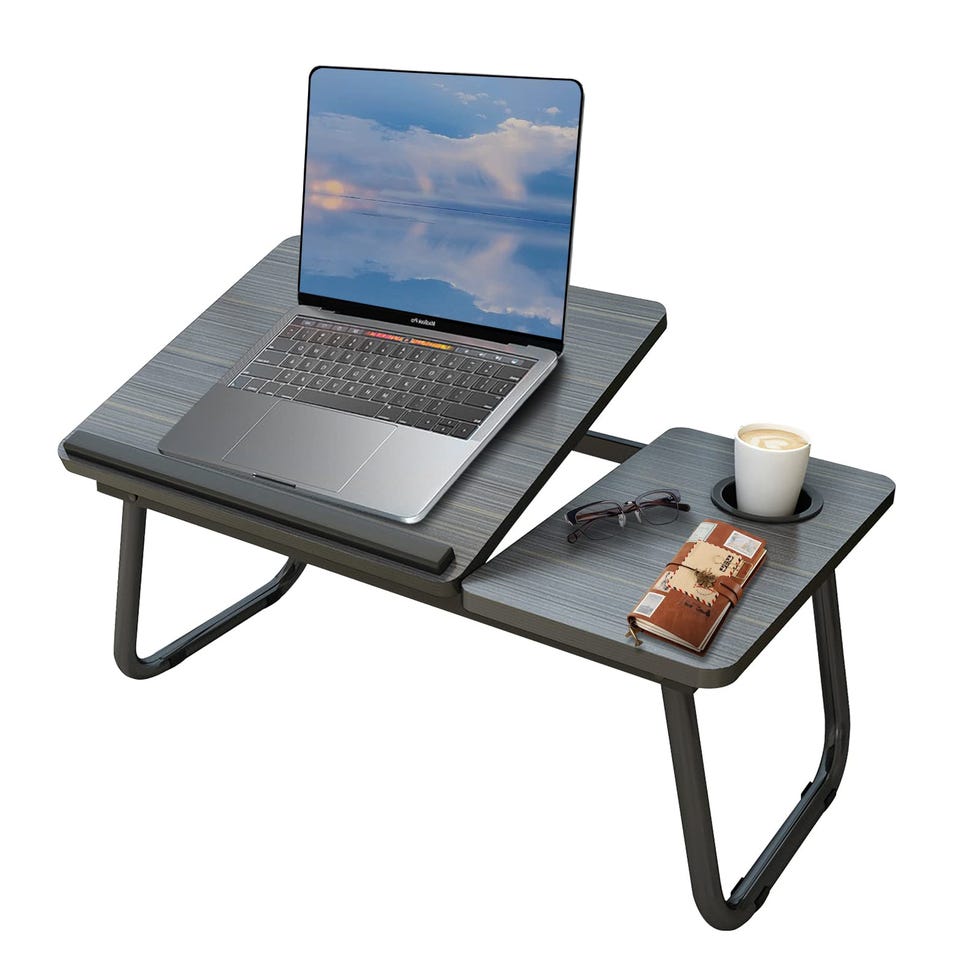
Hoflera Laptop Bed Table with Foldable Legs & Cup Slot
If you need to work from your bedroom but you'd rather a non-padded or tray-style version, this folding mini desk will do the job well.
ANYDAY John Lewis Hinton Office Chair
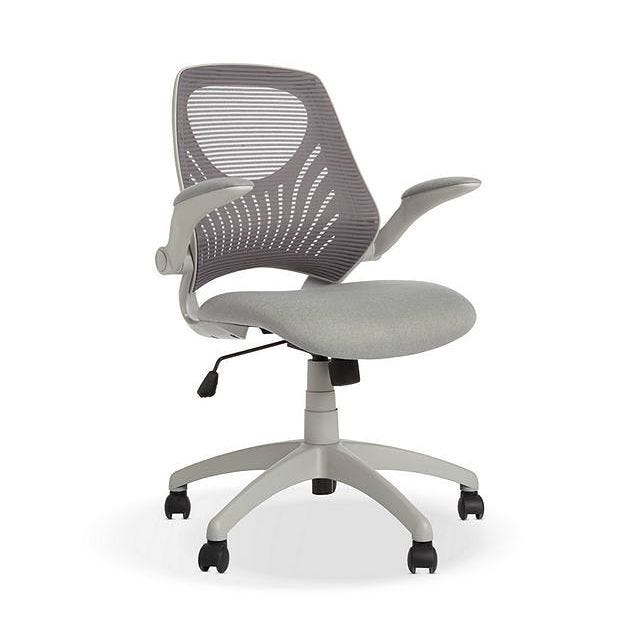
ANYDAY John Lewis Hinton Office Chair
This sell-out office chair is affordable compared with the competition and is comfy, lightweight and adjustable. It's supportive and has armrests that fold up, making it easy to hide away when you're done working.
AmazonBasics Office Chair
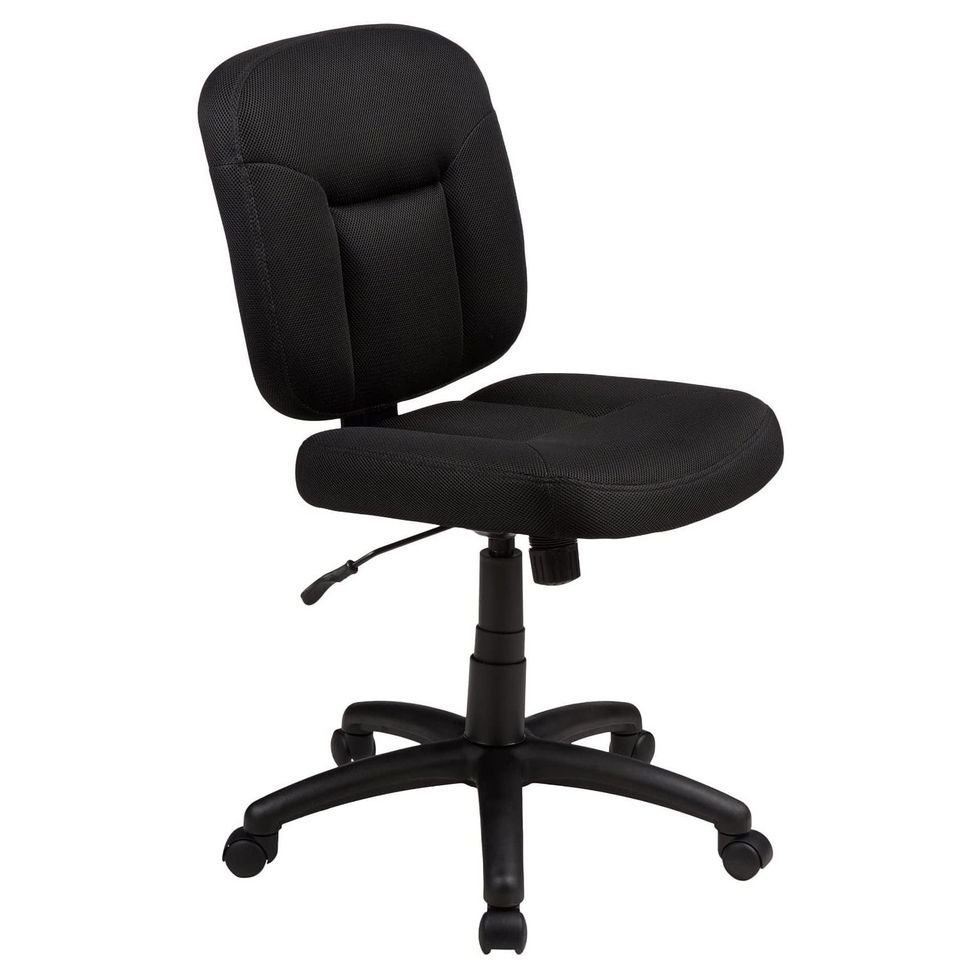
The AmazonBasics option isn't luxurious, but if what you need is something that swivels and has an adjustable height, this ticks those boxes and has a simple design, affordable price tag and a one-year warranty.
Hanlin Wood Framed Kneeling Chair
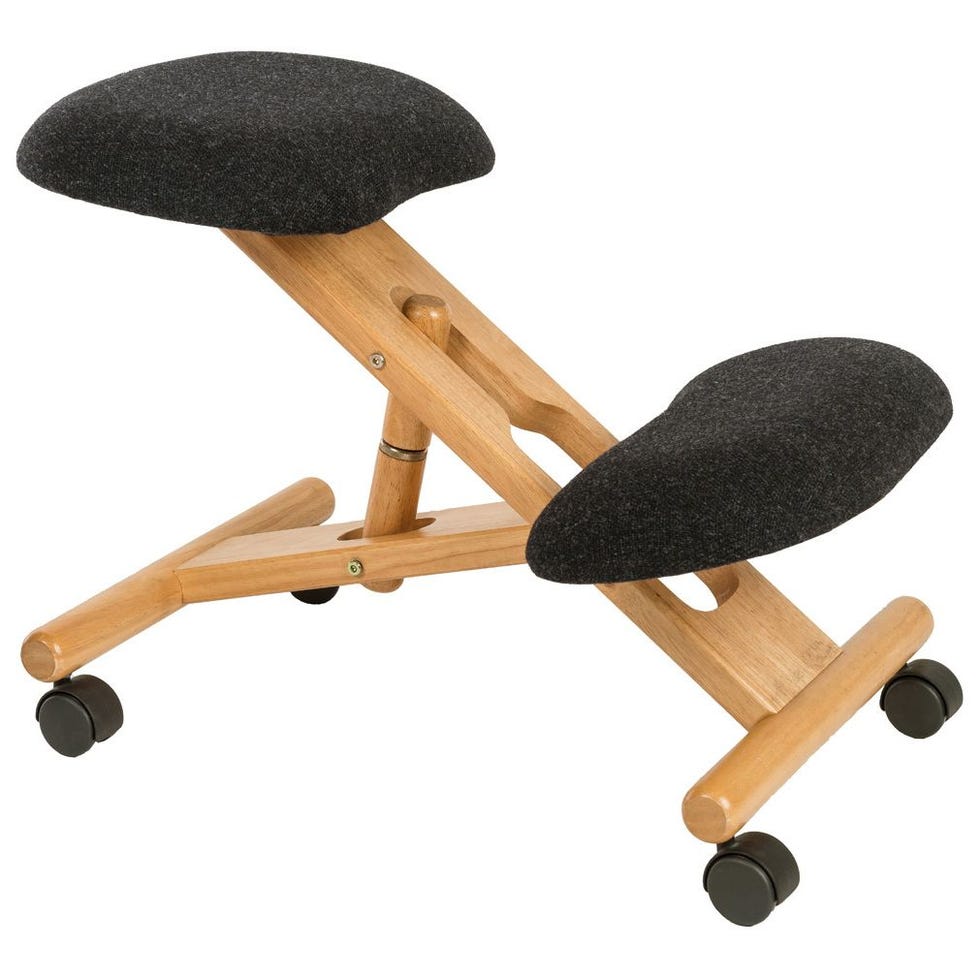
Hanlin Wood Framed Kneeling Chair
We know this looks pretty weird, but this kind of kneeling chair claims to reduce lower back pain and improve your posture by reducing compression of your back muscles. Just know that using it for a whole day of work will probably get tiring for your core, so you may need to alternate between this and a traditional chair.
Logitech Zone Vibe 100
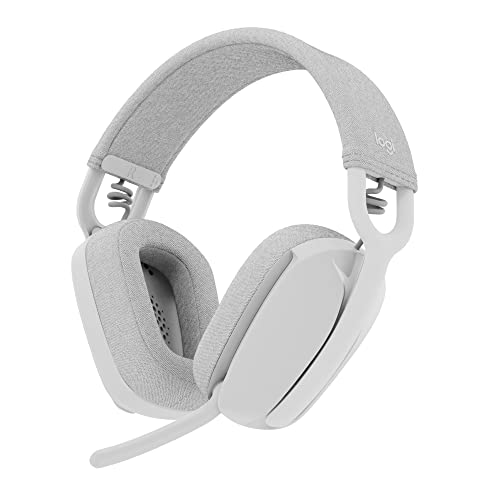
Logitech Zone Vibe 100
If you spend a lot of time on calls and your current headset leaves your head aching, it's time for a much-needed upgrade. The Zone Vibe 100 from Logitech puts comfort first, with its low weight and soft memory foam ear cups.
When it's time for a call, just flip down the mic for improved sound quality – in our tests, this sounded just as good as a wired mic on our Slack huddles. It's not noise-cancelling, so won't help if you work in a loud space, but it's ideal for all-day wear, whether for music or that crucial Teams or Zoom call.
Logitech MK270 wireless keyboard and mouse combo
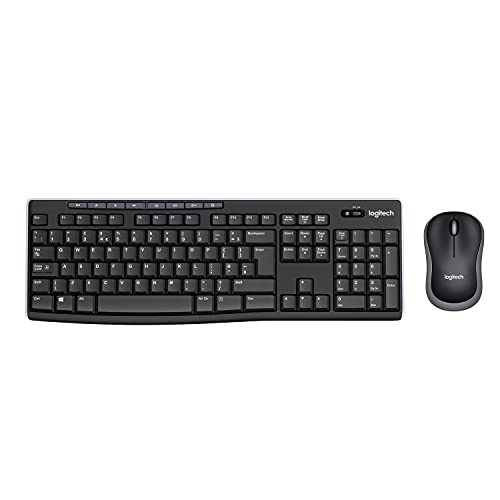
Logitech MK270 wireless keyboard and mouse combo
It's worth picking up a keyboard that can be connected via Bluetooth or USB and moved away from the laptop or computer to a more comfortable position. It'll help you sit up straight and avoid strain or injury. This one works with Windows – if you need one with a Mac key layout, go for a keyboard like this.
Logitech K380 Wireless Multi-Device Keyboard
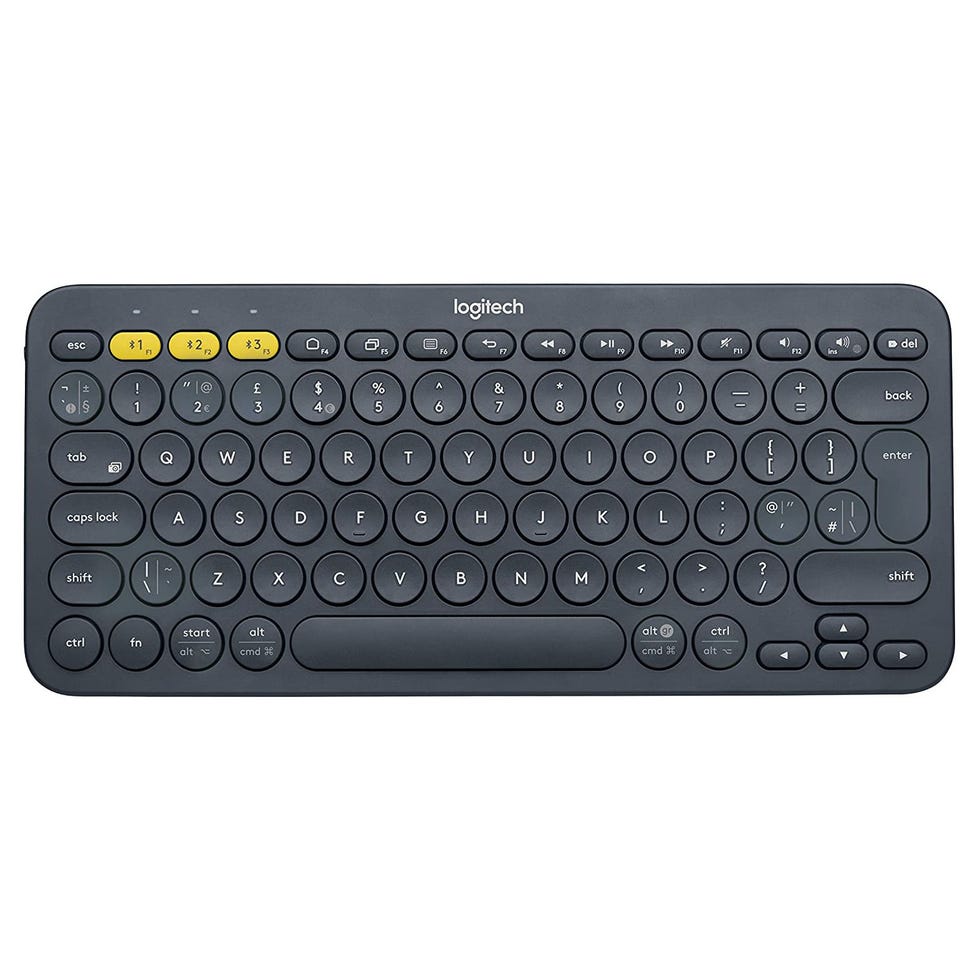
Logitech K380 Wireless Multi-Device Keyboard
With its compact design, comfortable keys, super-long battery life and ability to quickly switch the Bluetooth connection between three devices, there's a lot this inexpensive wireless keyboard gets right.
Logitech M185 Wireless Mouse

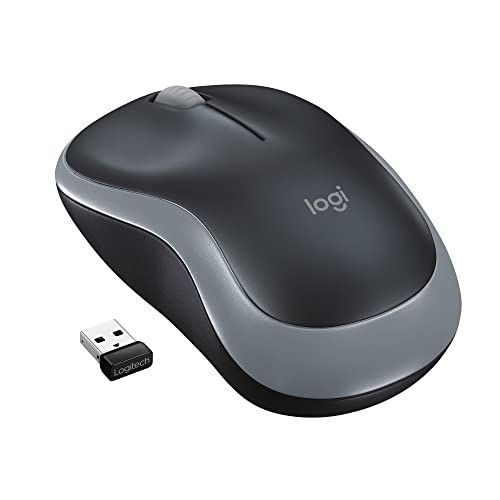
Just need a basic mouse? This Logitech one is affordable and designed to be ambidextrous (so you can calibrate it for your needs whether you're left-handed or right-handed).
Logitech MX Anywhere 3 Wireless Mouse
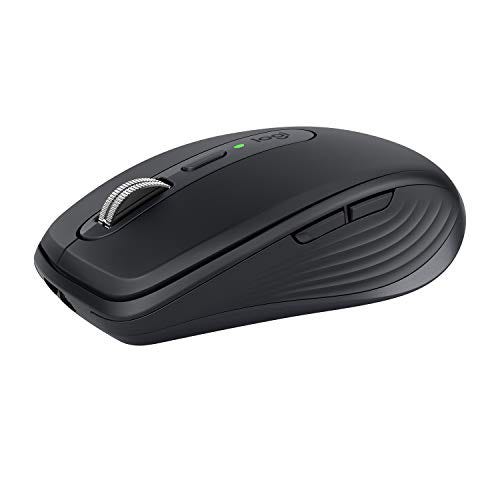
Logitech MX Anywhere 3 Wireless Mouse
Looking for a keyboard to go with your Mac or Apple laptop? Apple's own Magic Mouse or Logitech's MX Master 3 are more expensive and pack in some extra features, but you'll get a lot for your money with this one.
As the name suggests, it works just about anywhere and tracks on a wide range of surfaces. It's also quick to recharge via USB-C, and has a blazing-fast stainless steel scroll wheel.
Logitech Lift Vertical Ergonomic Mouse
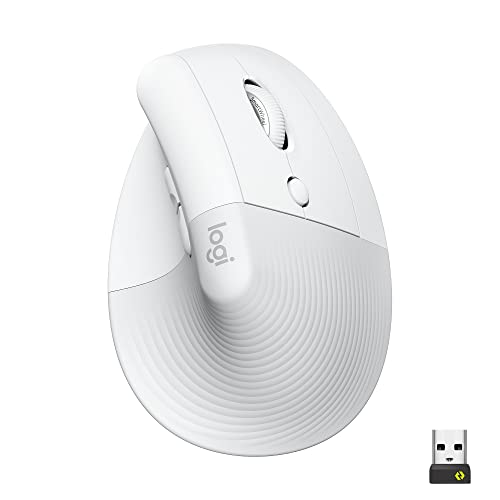
Logitech Lift Vertical Ergonomic Mouse
Most ergonomic mice are a bit too bulky, and that's why we love this new smaller vertical mouse designed to help with wrist strain. We handed the petite and affordable Logitech Lift over to our colleague who's suffered from RSI for three years and she loves how it encourages her to relax her hand. Compared to the other ergonomic kit she's tried, it makes it easier to spend less time clicking and scrolling, putting the right buttons where they need to be so you'll barely have to move your fingers to get results. It's available in three colours (black, pink and white) although left-handers are stuck with the black colour only.
Canon Pixma TS3355 All-in-One Wireless Inkjet Printer

Canon Pixma TS3355 All-in-One Wireless Inkjet Printer
If you just need a good-value home printer and know that you'll need colour prints as well as black-and-white, this little model should work well.


Where to buy Cat Deeley's outfits on This Morning

Best summer activities for families in the UK

Where to buy Project Hail Mary merchandise

The best fans to buy for a heatwave from £14.99


