Chances are that a lot of you will be looking for tablets this Christmas. Santa is going to have his work cut out picking up enough iPads, Kindles and Nexus 9s to satisfy all those who've been on their best behaviour.
For many, it will be the first time they have had such a device - so if you get the tablet you're after this Christmas, here is our catch-all beginners guide:
1. Charge it immediately
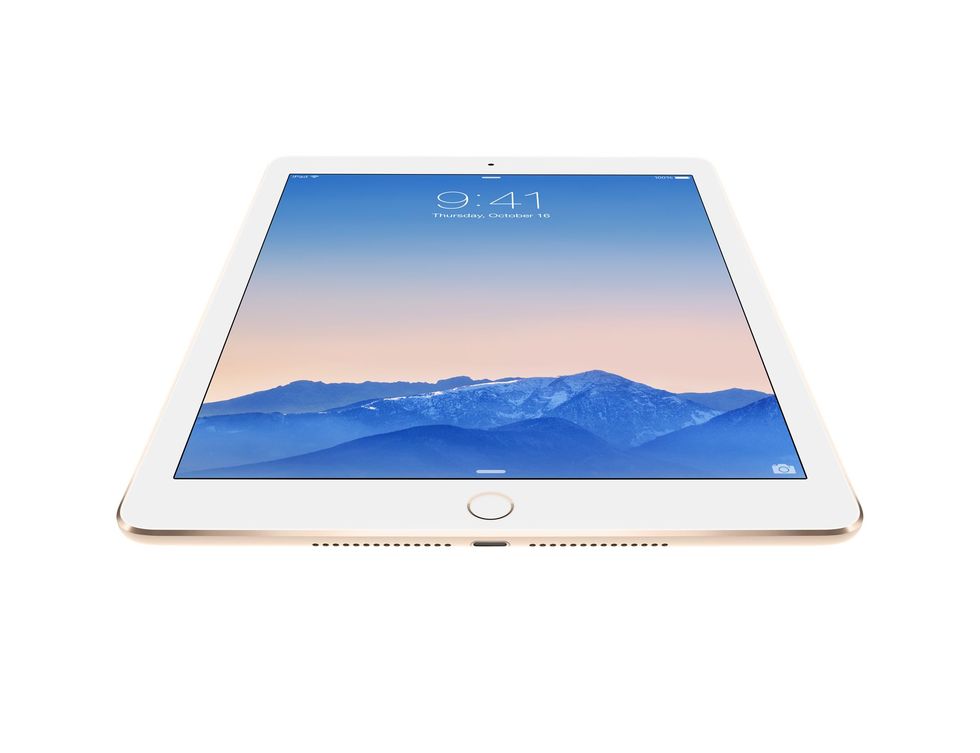

Possibly the hardest thing to do when you've just been handed your Christmas presents, but you need to leave whatever device you have for a decent-sized charge at the off.
This is a crucial first step to extend the life of the battery for as long as possible - a good initial charge can work wonders for how much juice you can get from a device in the long term.
Above all else, though, you don't want your tablet dying halfway through reading a book or watching a movie. It'll take the edge off Christmas day. So before you start, get it charged.
What to Read Next
2. Explore the App Store
Any device is next to useless without apps. They have come to define everything we do on mobile, and are a huge driving force behind the user experience that is offered on the likes of the iPad or Nexus 9.
Apple's offering comes in the form of the App Store, while Google has the Play Store for Android devices. Windows has the marketplace, for those that get given a Surface. The Kindle has its own book store.
Applications on offer tend to be multi-platform, but for those at a loss for what to download, we have in-depth app guides for both Android and iOS.
We would suggest trying to cross off every use case for your new tablet you can think of with one single app. The heavy hitters like Facebook and Twitter are a given, but rather than overloading your tablet with the rest, just pick the best from the curated content on app stores, or from our own lists.
3. Take a picture and make a video call


The day is going to come when you decide to take a picture using your new tablet. In the world of technology, this is a massive faux pas - but for everyone else, it's perfectly normal.
The iPad's PhotoBooth app offers fun for the festive season, letting you mess around with your appearance via the front-facing camera.
What you really want to try, though, is making a video call. It's Christmas Day, after all, so there are going to be extended family members or friends who you want to wish well. Skype springs to mind first here, as just about everyone has a device capable of using it.
Alternatively, iPad users calling another Apple device can use FaceTime.
4. Learn the operating system


Depending on your choice, there is a lot you are going to want to get your head around when it comes to either iOS or Android, or Windows on a tablet. Each has its own unique merits that you want to exploit.
For iPad users, we suggest going to town on the included 'Tips' app to take full advantage of what iOS 8 has to offer. It's a fairly rudimentary set of pointers, but it will help you get started with basics like app switching and using Touch ID.
Some apps on iPad also have very in-depth built-in instructions. iMovie, for example, will walk you hand-in-hand through the movie-making process.
As for Android, things are a little different here. The operating system has changed a fair bit since it started, with the arrival of its latest incarnation, Lollipop, well and truly opening up the OS to everyone.
If you open the wrapping on a Nexus 9 this Christmas, fear not, as Google has worked wonders - explaining and pointing you in the right direction every step of the way.
5. Get social


As we already mentioned, video calling is great on tablets, but so is social media. Facebook's app for iPad is excellent, apart from the constant switching to Messenger, which is infuriating.
Then you have iMessage, which will share text messages across any Apple devices you might have.
Crucially though, you've got a tablet now, so no better time than to get yourself set up and sharing your life with others.
6. Read a book


If you have been given a Kindle, then chances are you're already intending on doing a lot of this. Just download and get yourself going.
Amazon's Kindle App does exist on every platform, so you can of course download books on an iPad or Android tablet also.
But what really makes things exciting is the interactivity and excitement that a full colour screen lends to reading. iBooks and Newsstand have some amazing offerings, as does the Google Play Store.
A lot of magazines are cheaper in tablet form as well, so it's worth moving your subscription over to a digital-only affair.
7. Watch a movie


Nothing is better than TV or a movie in bed on a tablet. Every device has some sort of movies store available where you can download just about anything you want to watch.
We advise picking up a Netflix subscription and then sticking with the on-demand services on offer from the likes of the BBC and Channel 4.
iPlayer and 4oD both have fantastic apps on tablets, and offer more than enough content to keep yourself occupied.
8. Sharing is caring
It is Christmas after all. Younger members of the family are going to want to play a game, and granddad might want to FaceTime the family. Get everyone involved and make the most of your present.


