iOS 8 brings in a whole heap of changes to the fundamentals of how Apple's mobile operating system works.
It also opens up the doors in a big way to how apps can interact with each other, as well as iOS itself.
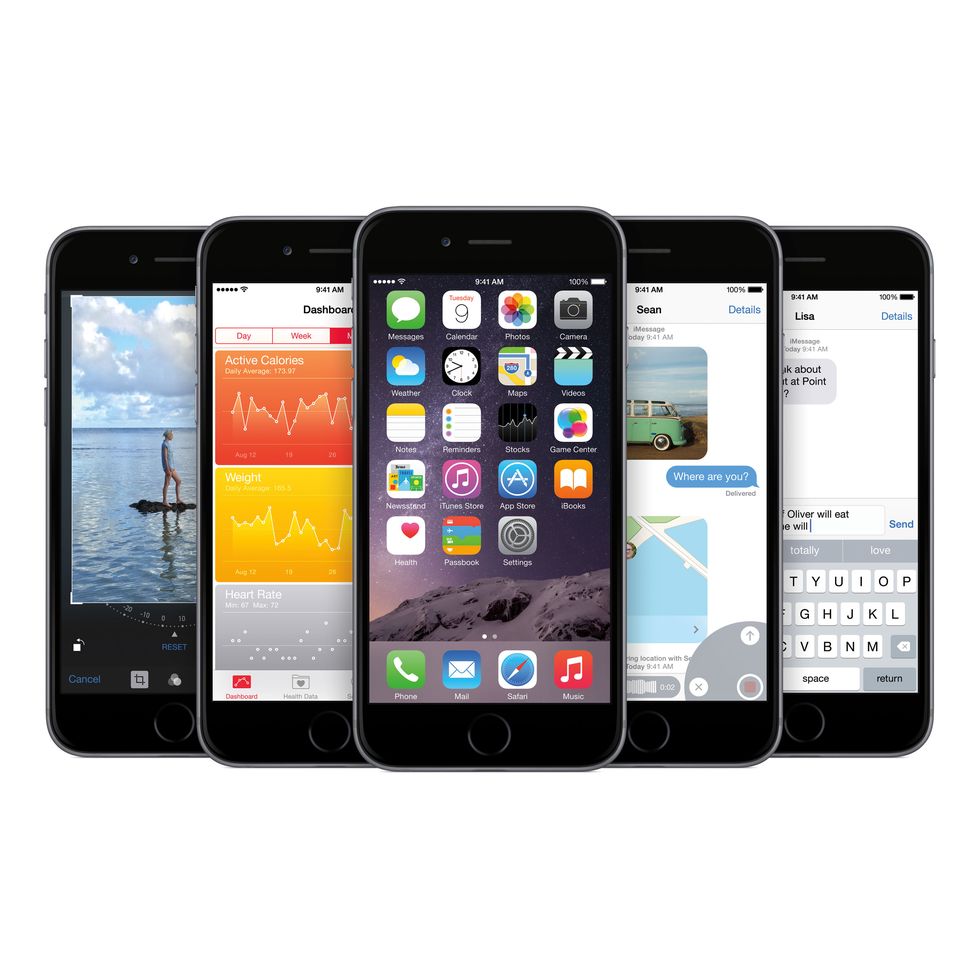

It's still early days, but there is already plenty of apps taking advantage of the new tech. Here is our favourites.
Asphalt 8: Airborne
One of the big new tweaks in iOS 8 is something called 'Metal'. Basically, it's some clever coding tech that lets developers squeeze every last drop out of the graphics capabilities of iOS. It can make apps look incredible.
You do need a device sporting an A7 chip or later, but boy, is it impressive if you have one. Asphalt 8 looks absolutely incredible on iOS, with graphics that put a lot of console games to shame.
What to Read Next
It's a hint at what is still to come with future apps, while proving to be a rather enjoyable game at the same time.


Halftone 2 Comic Book Creator
Another new feature in iOS 8 is the ability for apps to communicate with each other. In this case, Halftone has included a new photo editing extension that means you can apply effects directly within the Photos app.
As for the application itself, it allows you to create comic books using photos stored on your device. Speech bubbles, a variety of typefaces and a massive number of different layouts let you get very creative.
It's also worth mentioning that the app is already prepped for the release of the iPhone 6 and 6 Plus, with optimised resolution for the bigger screens.


SwiftKey Keyboard
Perhaps the biggest opening of doors is Apple allowing custom keyboards into iOS 8. SwiftKey has been tearing up the smartphone screens of Android users for quite a while, and has now finally made its way onto iOS.
The whole idea of SwiftKey is that it learns from what you are typing. Any repeat phrases or commonly used words will become part of its prediction algorithm, helping you speed up typing.
After a while, it becomes uncannily good at knowing what you want to say. If you haven't already, we seriously advise giving this one an install. It's free too.


Yahoo! Weather
Widgets are now a part of iOS, which means you can have a properly customised notification centre that shows all sorts of different information.
First up is Yahoo's Weather app, which is able to deliver custom results to your notification centre at the drop of a hat.
It looks cool, but does clash with Apple's own temperature and weather listing which also sits at the top of the drop-down menu.
Still though, it's the beginning of widgets in iOS - and the inevitable clutter that will decorate the notifications centre in the coming months.
Download the Yahoo! Weather app for free


This is just the tip of the iceberg when it comes to apps for iOS 8. Expect support for the new features to increase over the coming weeks. We will continue to update this article as and when it does.


