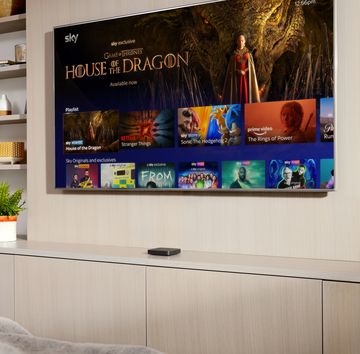
Nowadays, most new TVs come with a smart interface built in, but some brands do this better than others. If yours is a little clunky to use, you should consider buying a streaming device to simplify how you watch TV and give you access to all the best streaming services including Netflix, Prime Video, Disney+ and more.
Roku offers a great selection of streamers at affordable prices including the Roku Express, the Roku Express 4K, the Roku Streaming Stick 4K and the Roku Streambar.
For the last couple of weeks, I've been testing out the Roku Streaming Stick 4K, which is a mid-priced dongle that plugs into the back of your telly. It's a great option for modern living room TVs with UHD resolution.

Pros
- UHD image quality
- Simple, uncluttered interface
- Voice search

Cons
- No Dolby Atmos
- Lacks live TV

Roku Streaming Stick 4K key specs
| Dimensions | 9.45 x 2.11 x 1.15cm |
|---|---|
| Weight | 26g |
| Maximum resolution | UHD 4K |
Roku Streaming Stick 4K: Design and setup
The Roku Streaming Stick 4K is a small device that plugs discreetly into the back of your TV. It's unlikely to be visible from the front unless you use it with a small 32-inch set. As you may have gathered from the name, it's a slim black stick with an HDMI connector on the end. To hook it up to power, there's a micro-USB port, and it only requires one wire.
Alongside the streaming stick, a remote is included in the box. It's a very plasticky remote and doesn't match up to the quality of some competitors. However, it is also very uncomplicated to use. There is a navigation pad, a voice button, a pause/play button, controls to skip backwards and forwards, and there are four buttons to quickly access four of the leading streaming services (Netflix, Disney+, Apple TV+ and Prime Video). On the right-hand side, you'll find volume controls and a mute button, they sit roughly where you would naturally place your thumb when you hold the remote.

What's great is that you can use this remote to control the TV as well as the Roku system, so you can turn your set on and off or change the volume without needing a second controller.
What to Read Next
Another way of controlling it is by using the Roku app on your phone, you can use it to launch apps or navigate through the interface. If you lose the remote control, no problem, you'll still be able to watch TV as normal.
Setting up the Roku Streaming Stick 4K takes a matter of minutes. You simply need to plug it in and follow the on-screen instructions, logging in to your Roku account by scanning the QR code on the screen with your smartphone camera.
Roku Streaming Stick 4K: Apps and software
The Roku Streaming Stick 4K runs on the Roku 13 interface, which is super straightforward compared to other streamers like Fire TV Sticks. The Home screen isn't overcrowded or packed full of irrelevant content and ads; instead, it shows a grid list of the apps and channels available to you with just one large app that appears when you start browsing.
All the top streaming apps are available on Roku, including Apple TV+, Netflix and Prime Video, as well as some more niche services like Crunchyroll and Hayu.

From a sidebar on the main screen, you can access your recommendations, a list of saved TV shows and movies, the search function, the Streaming Store where you can download new apps and services, and the device's settings menu.
If you're in the US, you'll be able to access some live channels. However, this isn't available to UK users yet. You can watch some live TV by going into each individual app, like BBC iPlayer, but it is more hassle than having a page dedicated to a live TV schedule.
Voice control is a massive plus point, speeding up searches for certain apps, TV shows and movies. On this Roku streamer, you can even use it to input PINs, passwords and email addresses on login pages.
The voice search function works quickly and effectively across all apps, letting you know which streaming service the show or movie is on. You'll be prompted to open the app where you can pick an episode before the series starts to play.
I noticed that you need to hold the remote close to your mouth for it to pick up what you are searching for, unlike Sky Stream's voice remote which works from further away, but once I got used to doing that it worked well.

Thanks to the Roku smartphone app, you can add shows to your saved list remotely. So if you're out with friends and they recommend something to watch, you can add it to the list there and then.
Headphone mode is also very useful, allowing you to stream the audio through your mobile device instead of the TV. It means you can switch to your headphones much more easily on your phone using Bluetooth, without fiddling with the TV's settings.
Another handy feature is screen mirroring to display your smartphone's display on the TV, so you can easily show your friends and family photos or web pages. Roku's Streaming Stick 4K even supports Apple AirPlay to stream from your iPad, iPhone or Mac.
It's worth noting that you can't use the Roku Streaming Stick 4K to see a live view from your security cameras or video doorbell as you can with certain Fire Sticks or with Google Chromecast.
Roku Streaming Stick 4K: Performance
Navigating through the Roku system is fast, each new page loads quickly and voice search is snappy too. Occasionally there's a slight delay but nothing that will dramatically affect your experience overall.
Thanks to the UHD image quality and Dolby Vision with HDR10+, the Roku Streaming Stick 4K delivers TV shows and movies in crystal clear definition with bright colours, illuminating even the darker areas of the scene so you don't miss a single detail from the action.

The Roku Streaming Stick 4K lacks Dolby Atmos surround sound support, which is a shame considering some rivals do have it, including the Fire TV Stick 4K and Chromecast with Google TV.
Roku Streaming Stick 4K: Verdict
Roku makes some of the simplest, slickest streaming devices because its interface isn't packed full of adverts. Finding an app couldn't be more straightforward because of its simple grid layout, the voice search function works efficiently and being able to control your TV using an app on your phone is really useful. Plus the fact that you can so easily switch to your headphones will be great for watching late at night without disturbing anyone.
If you have a 4K TV at home then this will be worth considering, it's one of the cheapest devices for streaming UHD content. The lack of Dolby Atmos support is a shame but that's the only major downside in an otherwise excellent bit of kit.
Roku Streaming Stick 4K: Also consider
Looking to save some cash? Get the Roku Express 4K instead, it's a little more affordable but still uses the same interface and has most of the same features. The only thing you won't get is Dolby Vision to enhance picture quality and it doesn't include fast channel launch. The design of the device is a little bulkier too.

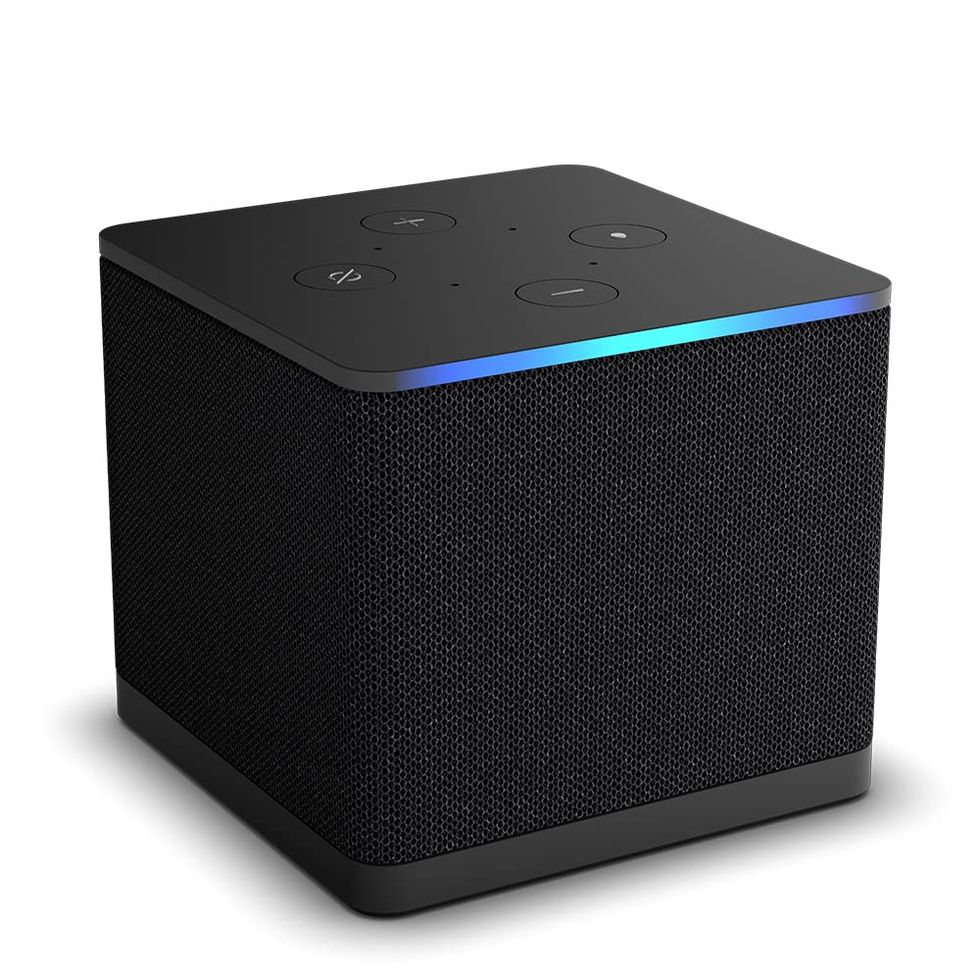
If you want a powerful streamer packed with features, and you already use Alexa smart speakers at home, you should buy the Fire TV Cube. It's a small box with all the perks of Amazon's Fire TV OS and it doubles up as a smart speaker that can be controlled completely hands-free.