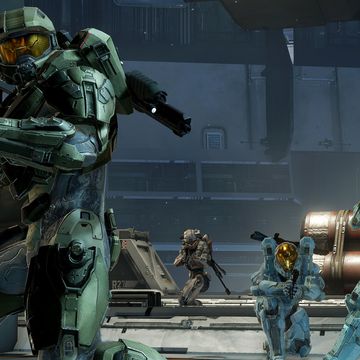
Halo 5: Guardians is set to launch later this month, but its new Forge mode isn't.
Although the Xbox One shooter arrives on October 27, the mode won't release until sometime in December.


343 Industries plans to run Halo 5's Forge as an ongoing service where feedback can be taken from the community and new features and content will be delivered on a continuing basis.
It is described as the 'biggest evolution' of the feature since the original debuted with Halo 3.
"We've been using Forge internally A TON; battle testing it while we build new maps to push on the new feature set," lead designer Tom French said on Halo Waypoint.
"Along the way we've made Forge fans out of people who weren't fans before. Simply put, while still maintaining the core identity, the new Forge really feels a lot like a new tool that will improve the way maps are built with it."
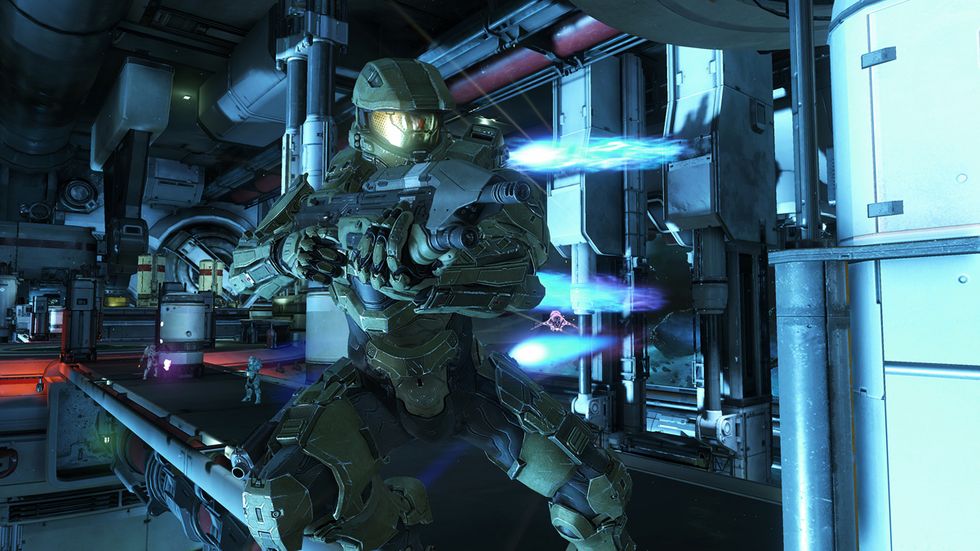

Some of the features included in the upcoming game's new Forge are as follows:
- Scripting Redux – Almost every object in the new Forge can be scripted to move around, change colors, send event messages to other objects, spawn itself, and all kinds of other fun things. Objects can have up to four scripts that with a condition that will trigger an action when the event conditions are met. We even include a "logic switch" condition type that can wait for multiple conditions to be met before the action is triggered. It's all super powerful and we can't wait to see the crazy ways it gets used by the community.
- Redesigned Menus & HUD – The property menus have been reorganised around objects, map, and tool settings to keep related options and actions in intuitive places. Menus have controller shortcuts to help quickly jump through them. Objects are organised into the palettes in multiple places to help sift through the giant list of objects to find the right set of things to place. HUD content has been refocused around the new features to make sure it's easy to know how many objects are selected, current grid settings, etc.
- Advanced Object Translation/Rotation Tools – Move and rotate objects based on world axis or based on own orientations, reset objects rotation with a button press, and more. There's pretty much an option to manipulate objects even in the strangest/special case situations.
- Show All Boundaries – Turn this on when building perimeter kill volumes to help see all of them at once so it's easy see how they all overlap and interact with one another.