So you've taken advantage of the best Xbox Series X and S deals, and now you're looking into cheaper prices for an Xbox Game Pass Ultimate or Core subscription.
If you missed the news from July, Xbox has raised Game Pass prices – which can make finding a good discount even more appealing.
Fortunately, there are some nice deals online.

Some would say a Game Pass subscription unlocks the full potential of the Xbox.
Depending on what membership plan you're looking at, you would stand to gain access to the full Xbox Game Pass games catalogue (which includes some of the best Xbox Series X/S games available) and online console multiplayer among other perks.
Titles such as Frostpunk 2 (PC only), Age of Mythology: Retold, and Persona 3 Reload's 'Episode Aigis' DLC are among the September additions to Xbox Game Pass Ultimate.
What to Read Next
Below, we've rounded up significant Game Pass code discounts that are worth considering (we've also covered Xbox gift card deals here).
The latest price checks were carried out on September 19, 2024.
Xbox Game Pass Ultimate code deals
Xbox Game Pass Ultimate is the priciest tier and comes with the most benefits.
You gain access to the full Xbox and PC Game Pass catalogues, day one access for first-party games, EA Play, online console multiplayer, and cloud gaming. It's the most complete package.
Xbox Game Pass Ultimate (3-month membership)

Following the recent price hikes, the standard price if buying through Xbox is £14.99 (a 14-day trial is available for £1 if you are a new user).
However, CDKeys has some good offers. The six-month and 12-month Ultimate memberships are out of stock there, but the one-month and three-month options have appealing discounts at up to 50% off:
- Xbox Game Pass Ultimate (12 months) –
£99.99(OUT OF STOCK) - Xbox Game Pass Ultimate (6 months) –
£49.99(OUT OF STOCK) - Xbox Game Pass Ultimate (3 months) – £21.99
- Xbox Game Pass Ultimate (1 month) – £8.49
To put into context, you save 43% for a 1-month through CDKeys at £8.49. Remember that Ultimate is usually £14.99 per month.
And you can save 51% for a 3-month subscription through CDKeys at £21.99. By comparison, it's £44.97 if you pay £14.99 monthly through Xbox.
Xbox Game Pass Ultimate (1-month membership)
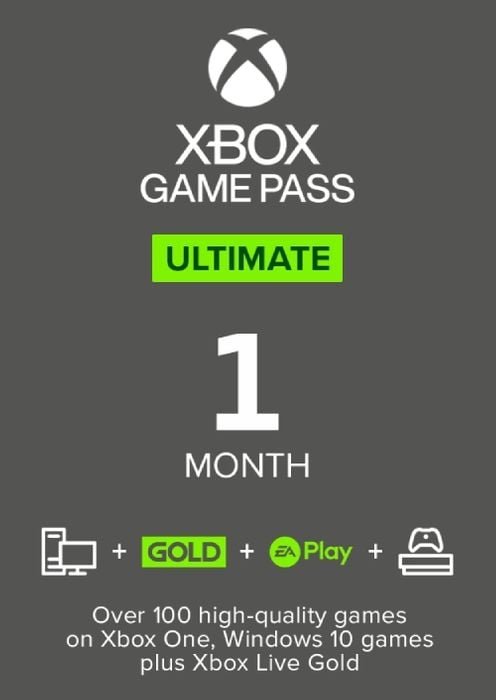
If you do make a purchase through CDKeys, you can expect a code to be sent to you by email. Redeem that Game Pass code on your Xbox or through Microsoft's website to enjoy your Ultimate membership.
Xbox Game Pass Core code deals
If you're looking to subscribe to Xbox Game Pass Core, then CDKeys has some good offers.
A big appeal of Core is that it allows you to play multiplayer games on your Xbox console at a lower monthly cost compared to Xbox Game Pass Ultimate.
In addition, while Core doesn't give you access to the full Game Pass catalogue, it still comes with a selection of around 40 games.
Xbox Game Pass Core 12-month membership

Xbox usually charges £6.99 per month, £17.99 per quarter, or £55.99 per year for a Core membership.
However, on CDKeys, you can get significant discounts on memberships up to 12 months long:
- Xbox Game Pass Core (12 months) – £33.79
- Xbox Game Pass Core (6 months) –
£23.99(OUT OF STOCK) - Xbox Game Pass Core (3 months) – £11.99
- Xbox Game Pass Core (1 month) – £6.99
For example, CDKeys offers a 12-month Core membership at £33.79, which is a discount of around £22 (39% off).
Xbox Game Pass Core 3-month membership

Upon purchase, you will be sent an email containing a code that can be redeemed on your web browser, PC, or Xbox.
How to redeem an Xbox Game Pass code
There are multiple ways to redeem your Xbox Game Pass code, including on your PC or Xbox console. Here are three of them:
In a web browser (computer or mobile)
Simply visit https://redeem.microsoft.com/. Log into your Microsoft account if required, and you will be prompted to enter your code there.
On an Xbox Series X/S or Xbox One
While logged into your account, press the Xbox button on your controller and then select Store. When the Store app loads, press the View button on your controller. The side menu should open – from there, select Redeem.
A 'Redeem a code' page should load at this point. You can input your code there to redeem it.
In the Xbox app on Windows PC
Load up the Xbox app. While logged into your account, click on your profile picture and then Settings. When the Settings menu pops up, select Redeem which should be under 'Redeem a code'.
A web page will load. Log into your Microsoft account if required, and then input the code you want to redeem there.
For more information on how to redeem Xbox codes, you can visit Xbox's official support page.